Open Telemetry
Oodle provides a seamless integration with Open Telemetry. By adding Oodle as an exporter in your Open Telemetry configuration, you can start sending logs directly to your Oodle instance.
Configuration
To configure Open Telemetry to send logs to Oodle, you'll need the following values:
OODLE_INSTANCE: Your Oodle instance ID. Go toSettingsicon ->API Keyspage in your Oodle UI to find out. (Oodle UI links: ap1, us1)OODLE_API_KEY: Your Oodle API key for authentication. Go toSettingsicon ->API Keysin your Oodle UI to choose an appropriate key. (Oodle UI links: ap1, us1)
Add the following configuration to your Open Telemetry configuration file:
exporters:
  otlphttp/oodle:
    endpoint: "https://<OTLP_ENDPOINT>"
    headers:
      "X-OODLE-INSTANCE": "<OODLE_INSTANCE>"
      "X-API-KEY": "<OODLE_API_KEY>"
Steps
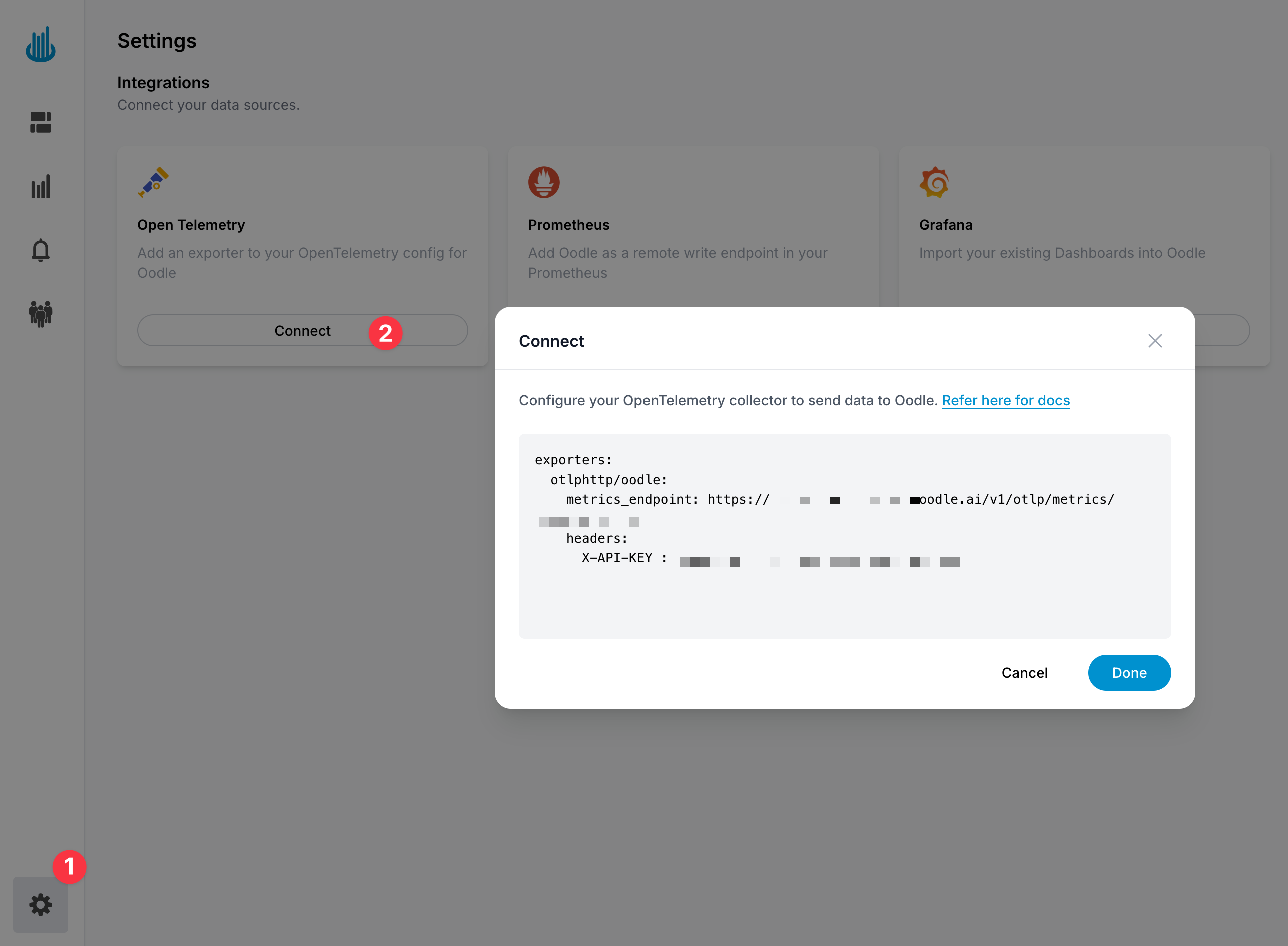
You can find the Open Telemetry config changes by following these steps:
- Login to the Oodle UI, then navigate to the Integrations page
- Click on the Open Telemetry tile
- Choose an appropriate API key from the list on top of the drawer
- Ensure that you have selected the Logs feature in Step 1.
Follow the steps in the drawer to complete the OpenTelemetry setup
Support
If you need assistance or have any questions, please reach out to us through:
- Email at [email protected]