Lookup Tables
Lookup Tables let you enrich log events with additional
context by mapping a field value to extra metadata. For
example, you can map a user_id to a user_name, or an
IP address to a geographic region, during ingestion.
How It Works
- You define a Lookup Table containing CSV data with a header row and one or more data rows.
- In the log pipeline, you reference the Lookup Table to enrich matching log events.
- When a log field matches a key in the table, the corresponding columns are added to the log event.
- The enriched log is stored with the additional context.
Creating a Lookup Table
-
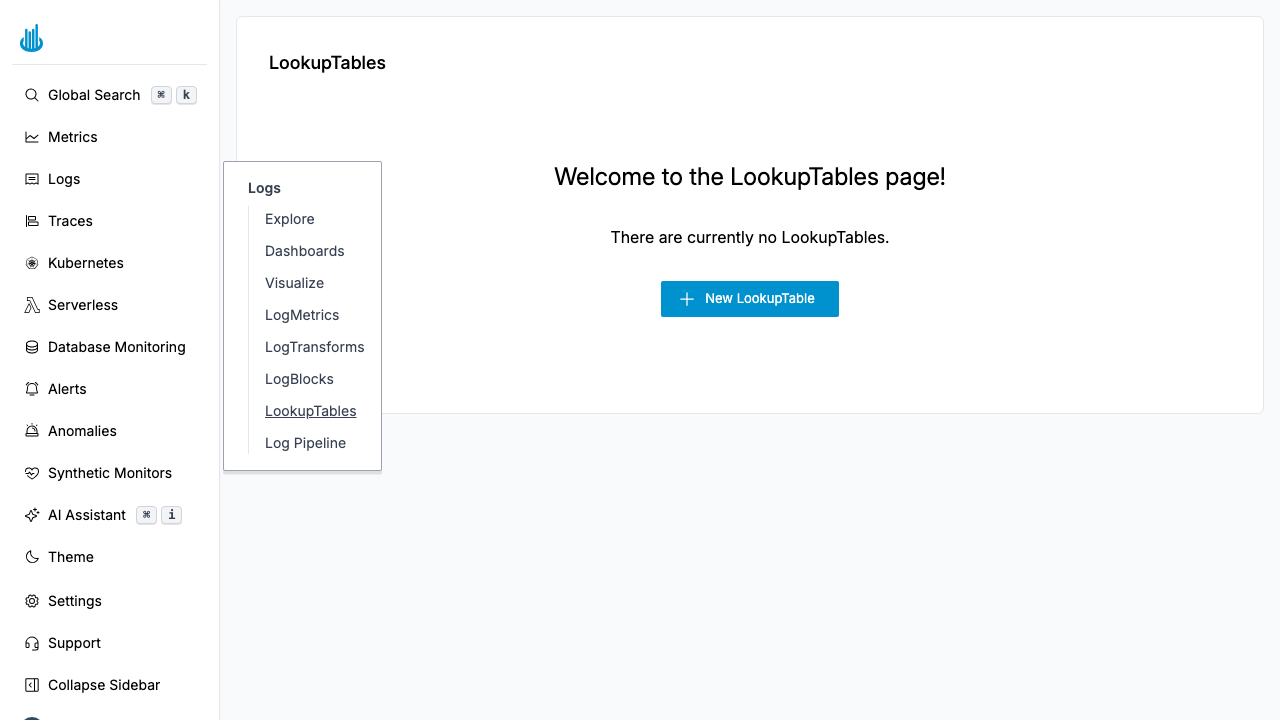
Navigate to Logs → LookupTables in the sidebar.
-
Click Create LookupTable.
-
Fill in the form:
-
Name — A descriptive name for the table (e.g. "Service metadata").
-
CSV Data — Paste CSV content directly into the text area. The first row must be column headers, and subsequent rows are the data. For example:
key,team,tier
auth-service,platform,critical
billing-api,payments,critical
chatbot,support,low
-
-
Click Save.
Managing Lookup Tables
The Lookup Tables list page shows all configured tables:
| Column | Description |
|---|---|
| Name | The table name. Click to open the editor. |
| Actions | Context menu with Edit, Clone, and Delete options. |
- Search — Use the search bar to filter by name.
- Bulk actions — Select multiple tables with checkboxes and delete them in one step.
Updating Data
Click the table name or choose Edit to open the editor. Modify the CSV data directly in the text area and save. Changes take effect immediately on new log events.
CSV Format
- The first row must contain column headers.
- Each subsequent row is a data entry.
- The first column is typically the lookup key.
- Remaining columns are the enrichment values.
- All rows must have the same number of columns.
Use Cases
- User enrichment — Map
user_id→user_name,user_email,team. - Geo-IP — Map IP addresses to country, region, or data center.
- Service metadata — Map
service_idto owner team, criticality tier, or cost center. - Hostname resolution — Map short hostnames to FQDNs or environment tags.
Best Practices
- Keep tables focused — Create separate tables for different enrichment use cases rather than one large table.
- Use exact-match fields — Lookup keys should contain well-defined, discrete values (IDs, hostnames) rather than free-text.
- Update regularly — If your mappings change (e.g. new services, new users), keep the table current to avoid stale enrichments.
- Combine with Log Pipeline — Reference Lookup Tables in the Log Pipeline to apply enrichment automatically during ingestion.
Support
If you need assistance or have any questions, please reach out to us through:
- Email at [email protected]