Service Graph with eBPF
 Service Graph with eBPF
Auto Instrument your application using eBPF with Oodle
Performance Requirements
Performance requirements and resource considerations for Oodle's Auto Instrumenter
Explore the new approach to unified debugging experience. Try out our playground!
Visualize service graphs, dependencies, APM, infrastructure metrics and logs with zero integration effort!
Installation
-
Open the Integrations page in Oodle UI.
-
Click on the
Kubernetesintegration tile and selecteBPF powered APM + Service Graphoption -
Select the appropriate API key from the dropdown at the top of the drawer

-
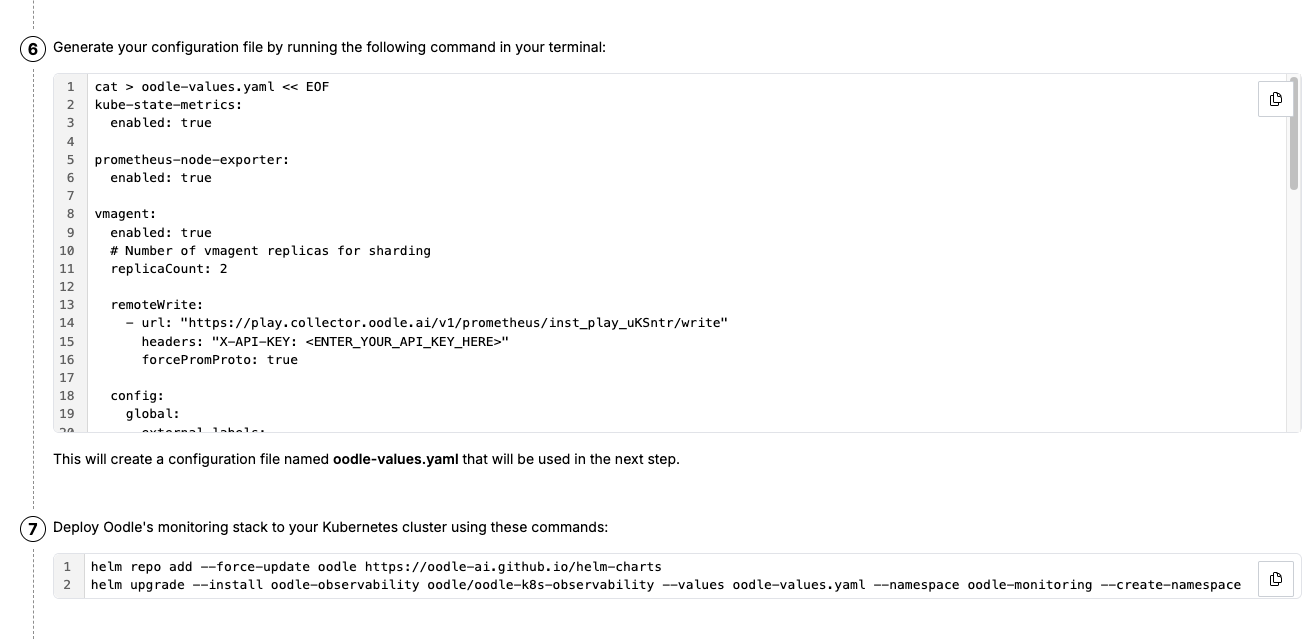
Copy the values.yaml file provided in the integration tile, it configures Victoria Metrics agent and Oodle's auto-instrumentation agent.
Uninstallation
To uninstall the helm chart, run the following command.
helm uninstall -n oodle-monitoring oodle-observability
Support
If you need assistance or have any questions, please reach out to us through:
- Email at [email protected]